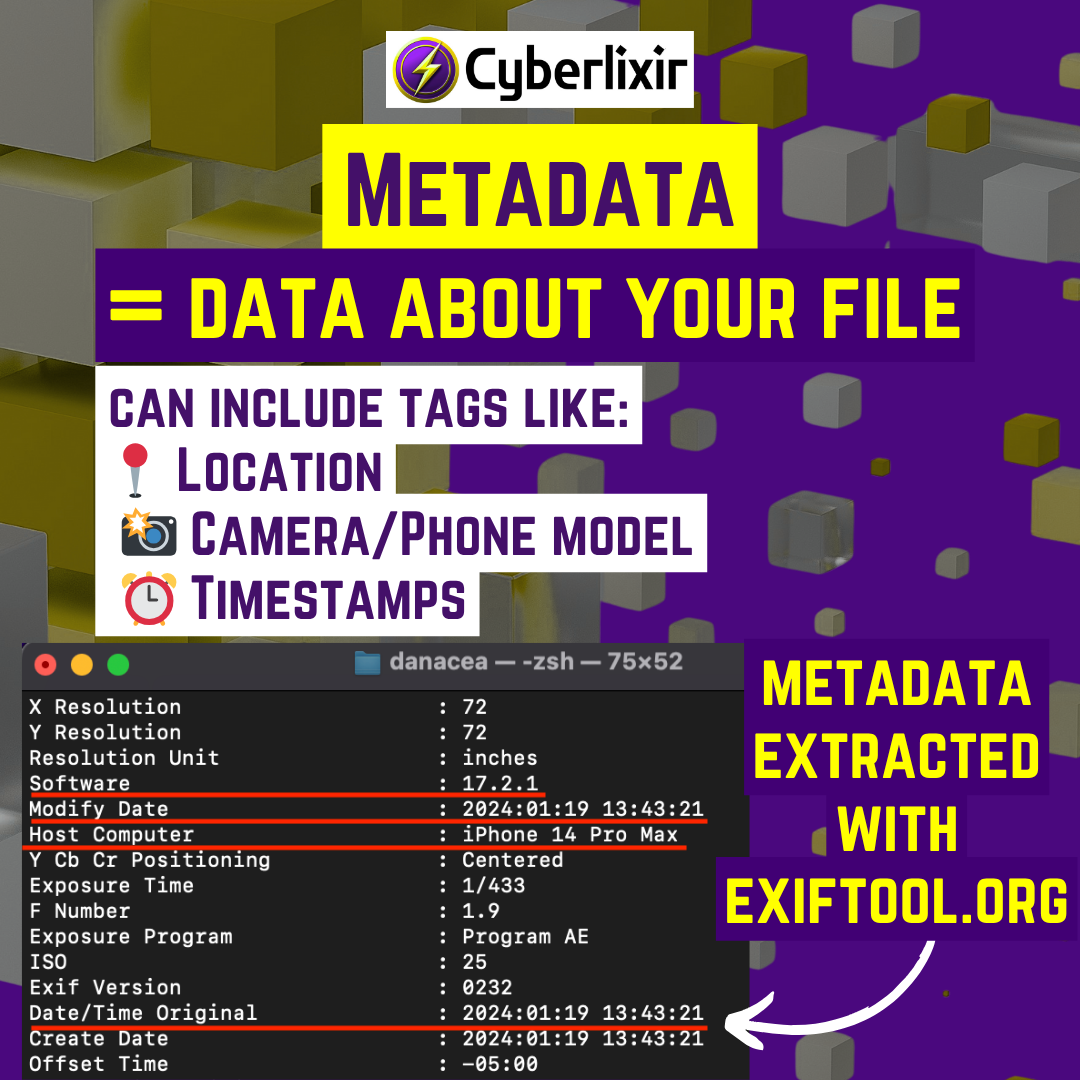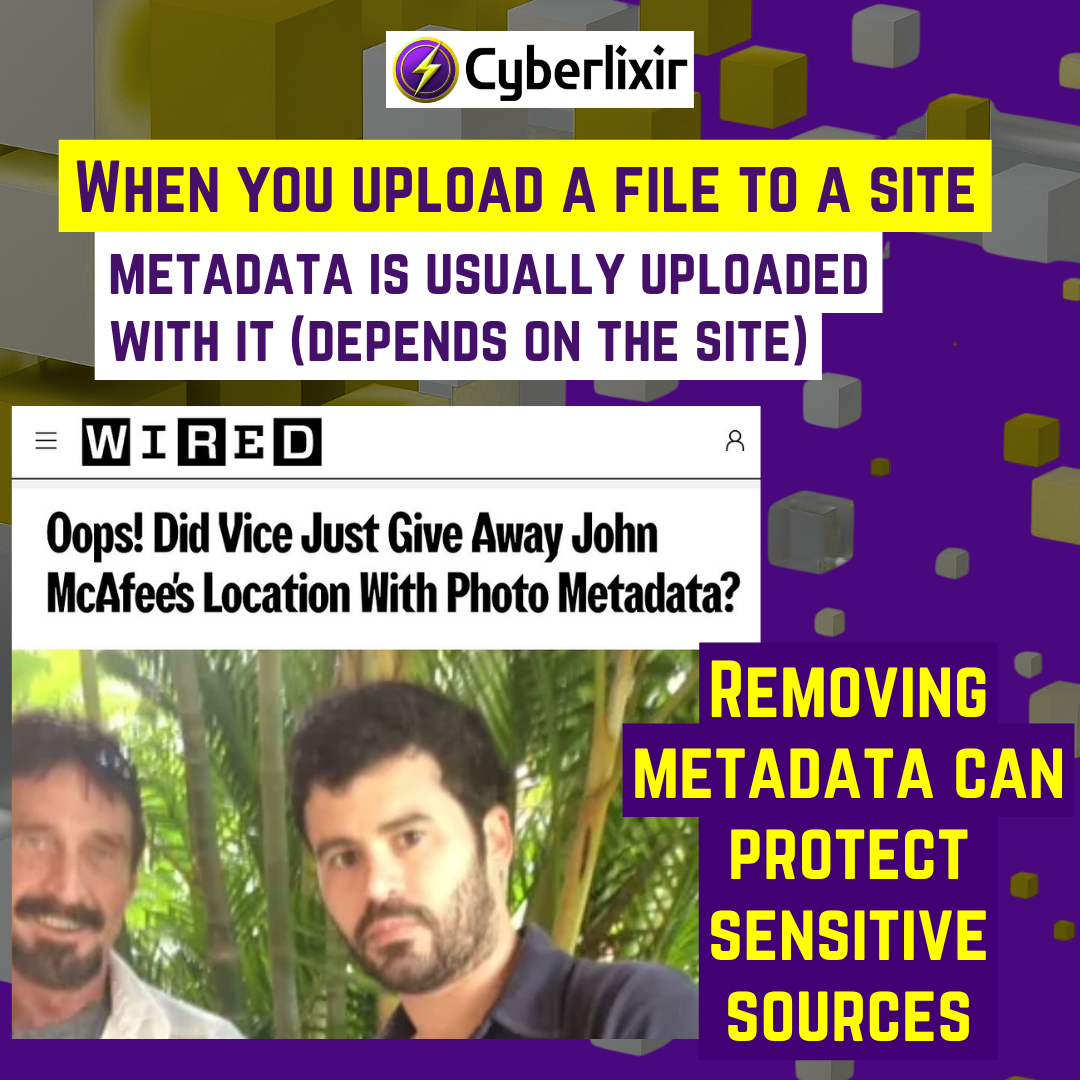
If you’re lazy about removing metadata (like I do), just make sure location tagging for cameras is off so your photos + videos never log your location.
Tips
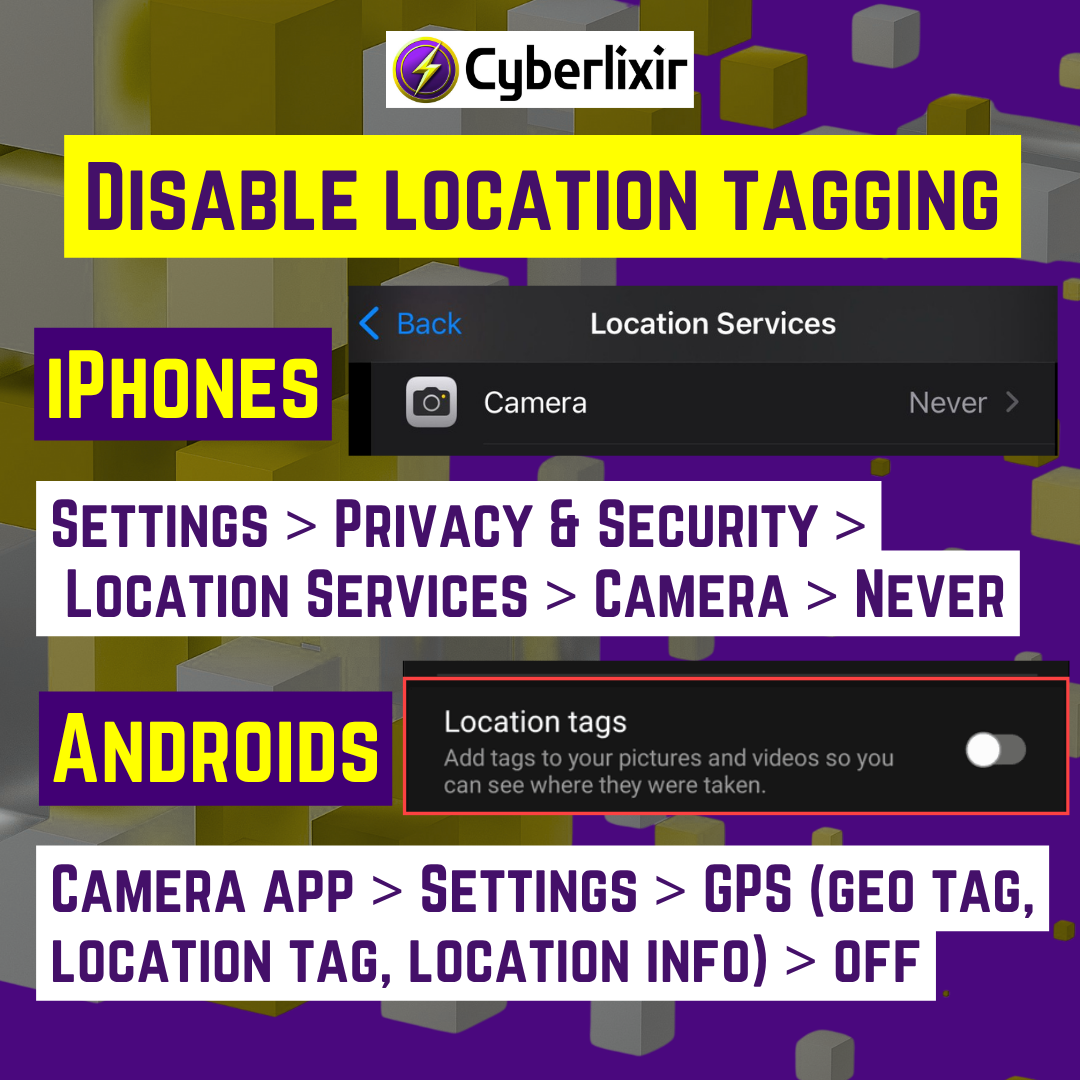
Disable location tagging for cameras, so that metadata won’t exist on your photos and videos:
- iPhones: Settings > Privacy & Security > Location Services > Camera > Never
- Androids: Camera app > Settings > GPS (geo tag, location tag, location info) > Off
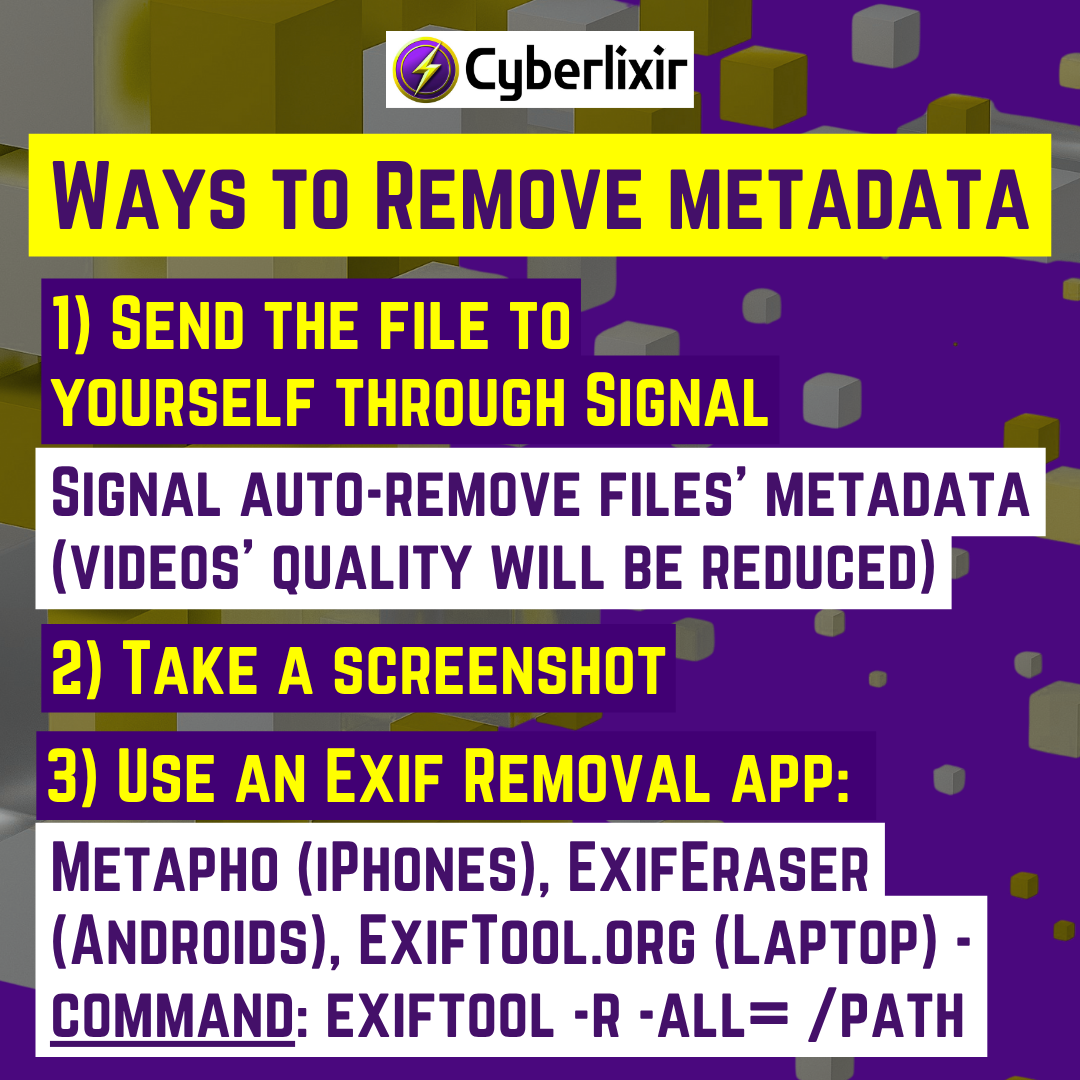
Ways to remove your metadata:
- Send files to yourself through Signal app (Signal auto-remove files’ metadata (videos’ quality will be reduced))
- Take a screenshot
- 3) Use an Exif Removal app: Metapho (iPhones), ExifEraser (Androids), ExifTool.org (Laptop) – command: exiftool -r -all= /path (if it’s confusing, watch a Youtube video for instructions)