- Frame the talk around Protection & Empowerment
- Avoid scaring them into action – when people feel overwhelmed or stressed, they might withdraw.
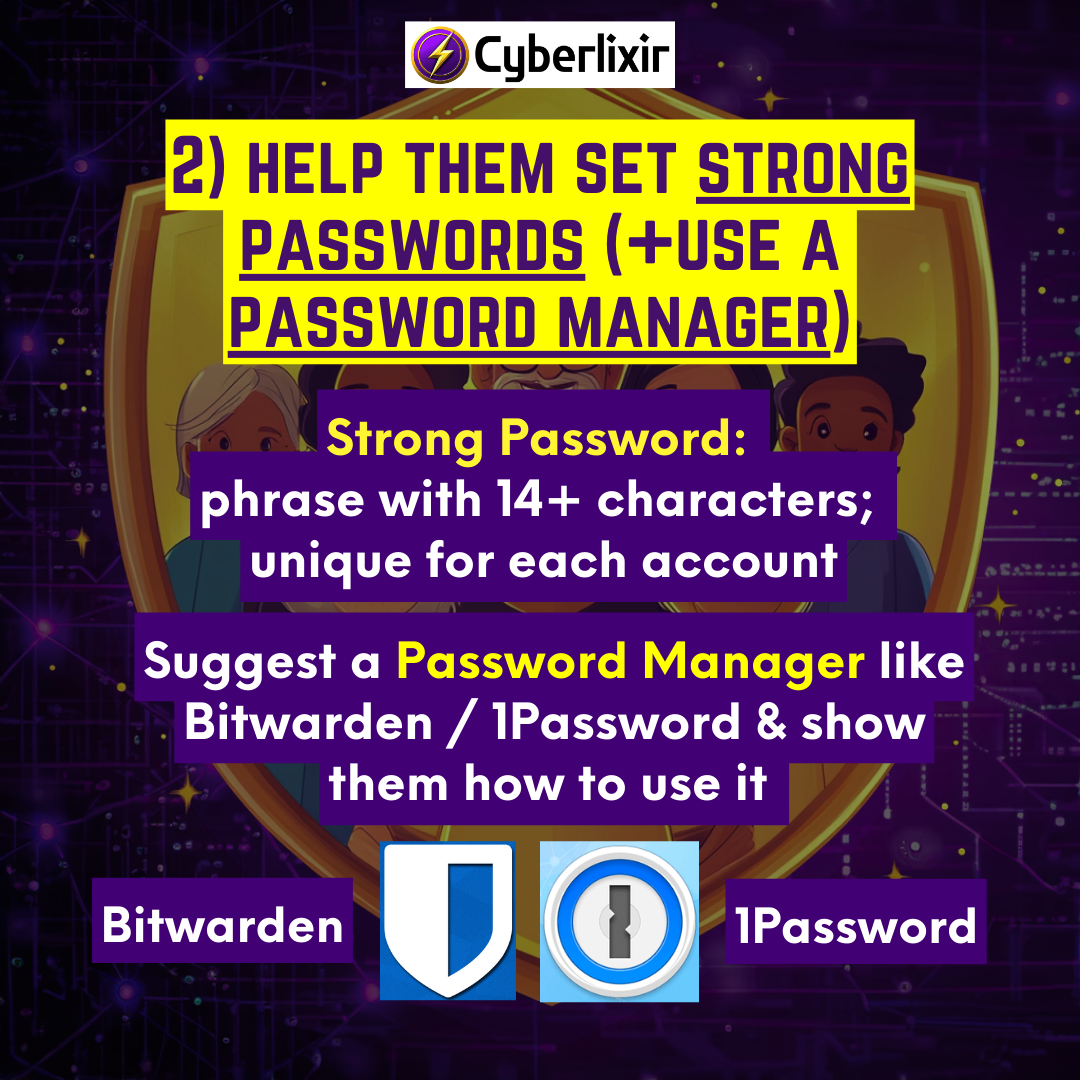
- Help them set Strong Passwords (+use a password manager)
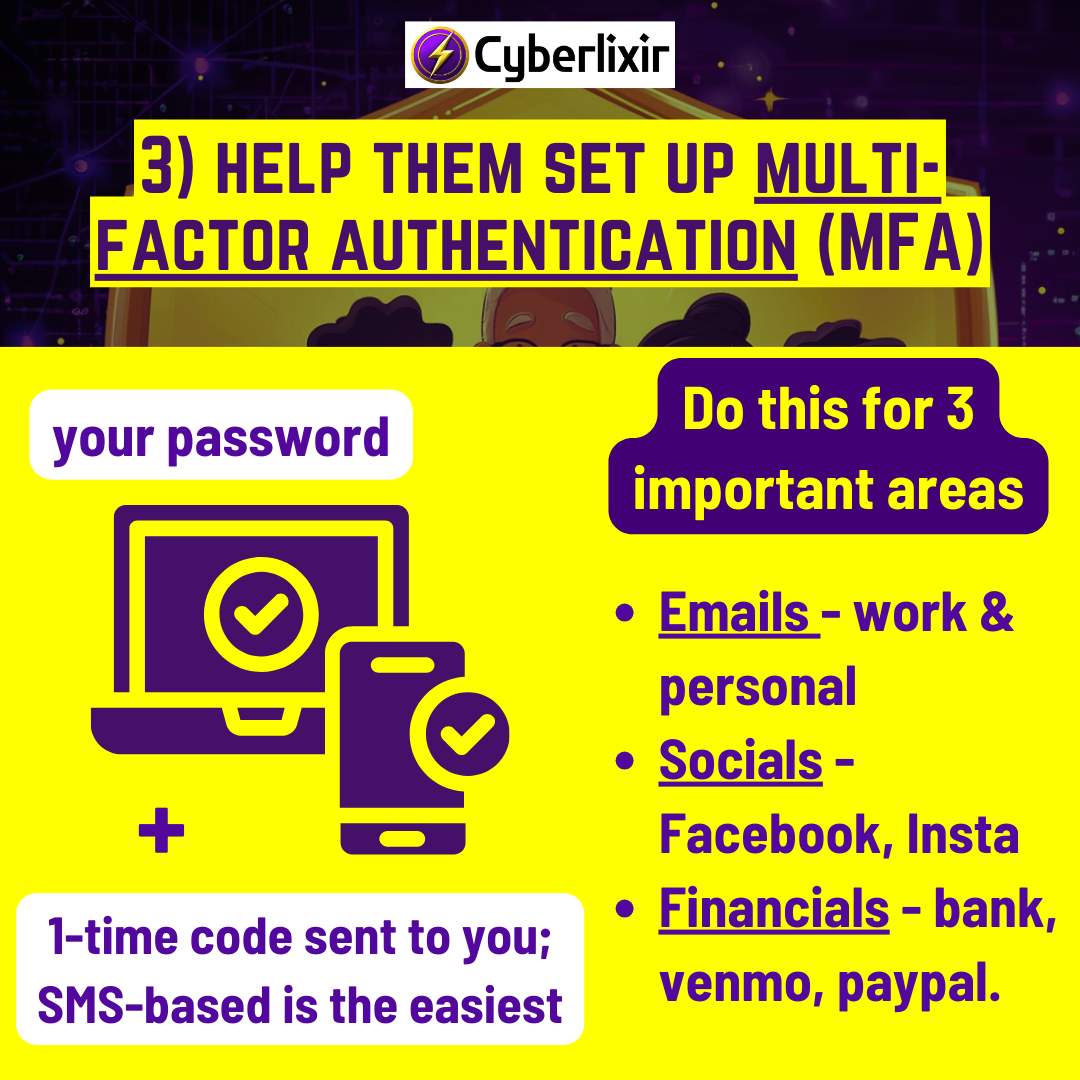
- Help them set up Multi-Factor Authentication
- 3 crucial account areas: Emails (work + personal); Financials (bank, Venmo); Socials (Facebook, Insta)
- How to set up 2FA for anything: https://2fa.directory/
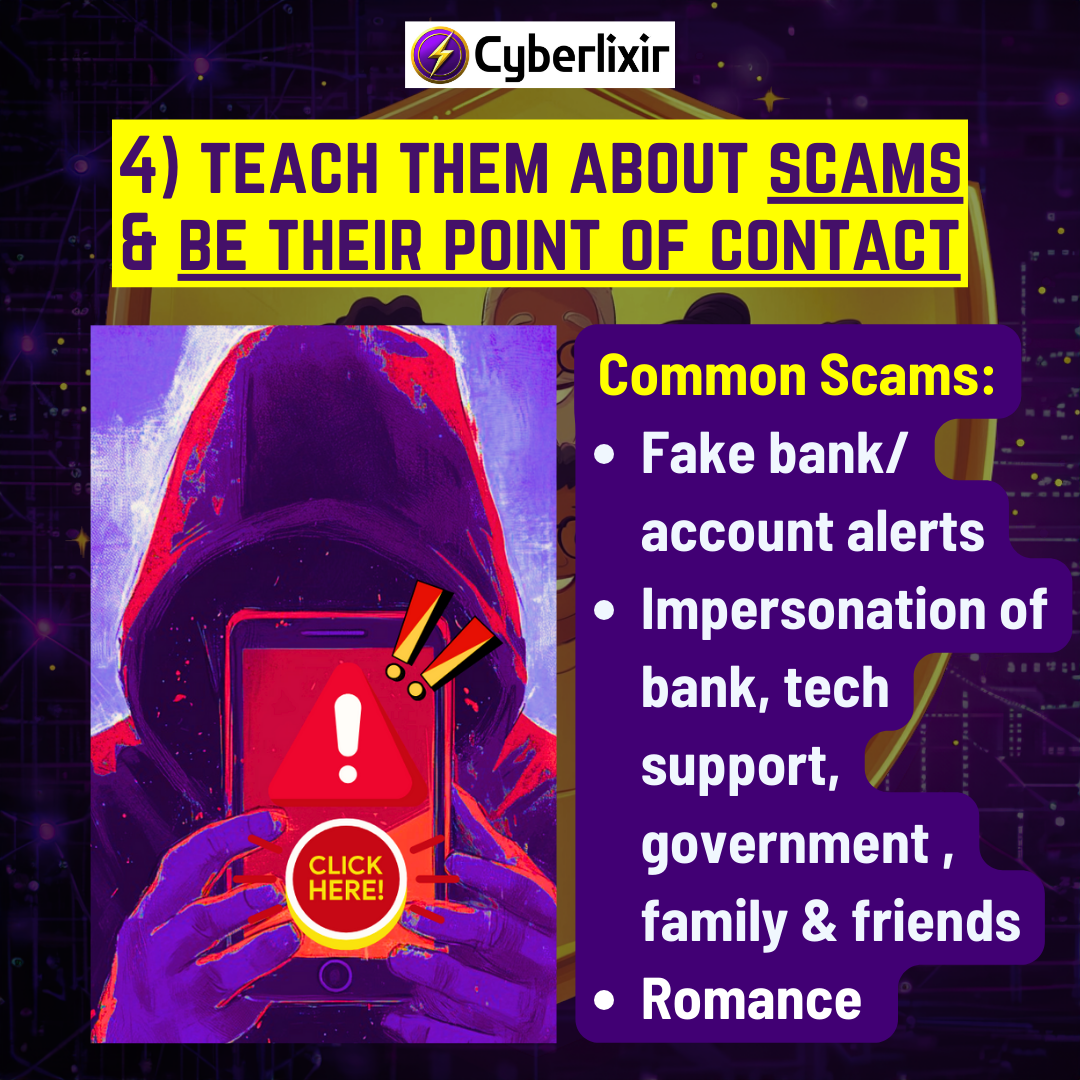
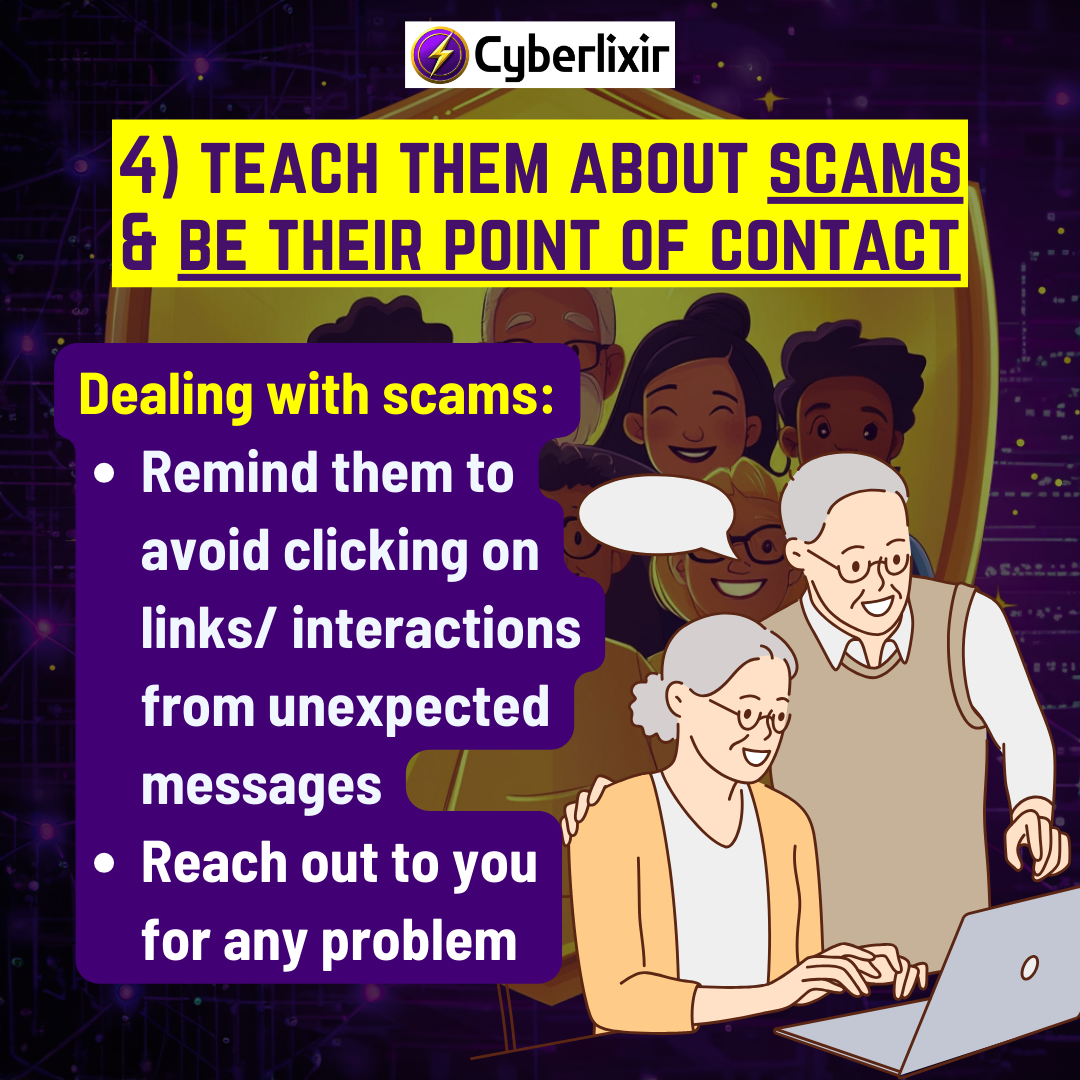
- Teach them about common scams + offer to be their point of contact
- Common scams: fake bank/account alerts; impersonation of government officials, bank, tech support, family members, etc; romance
- Let them know they should contact you if they receive any strange call or message so you can check for scam.
- Teach them the benefits of Device Updates.
- Updates contain security patches to protect devices against malware/spyware.
- Install as soon as updates are released
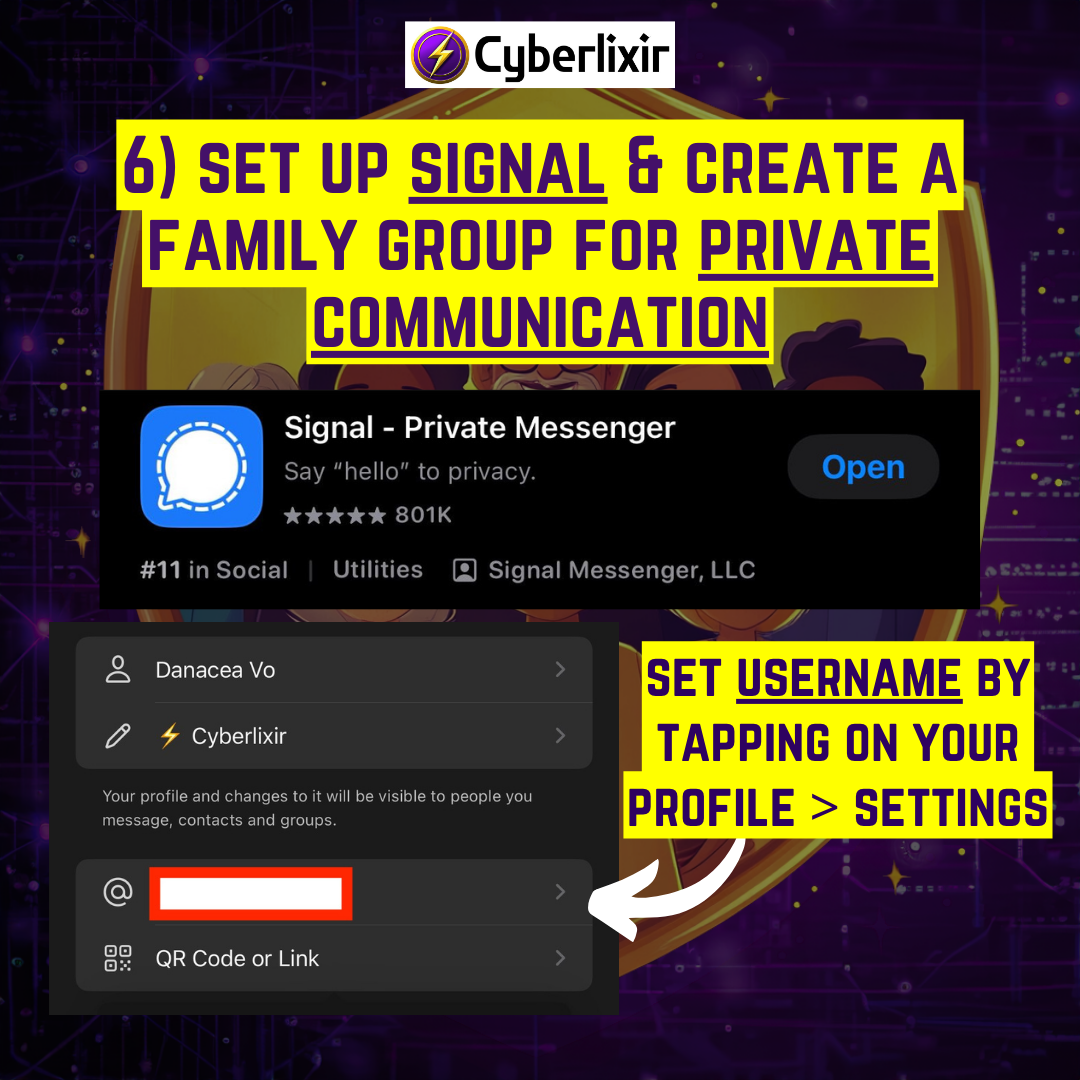
- Help them set up Signal + create a family group chat.
- Home
- /
- Docs
- /
- Cybersecurity & Priv...
- /
- Guides
- /
- Basic Cybersecurity &...