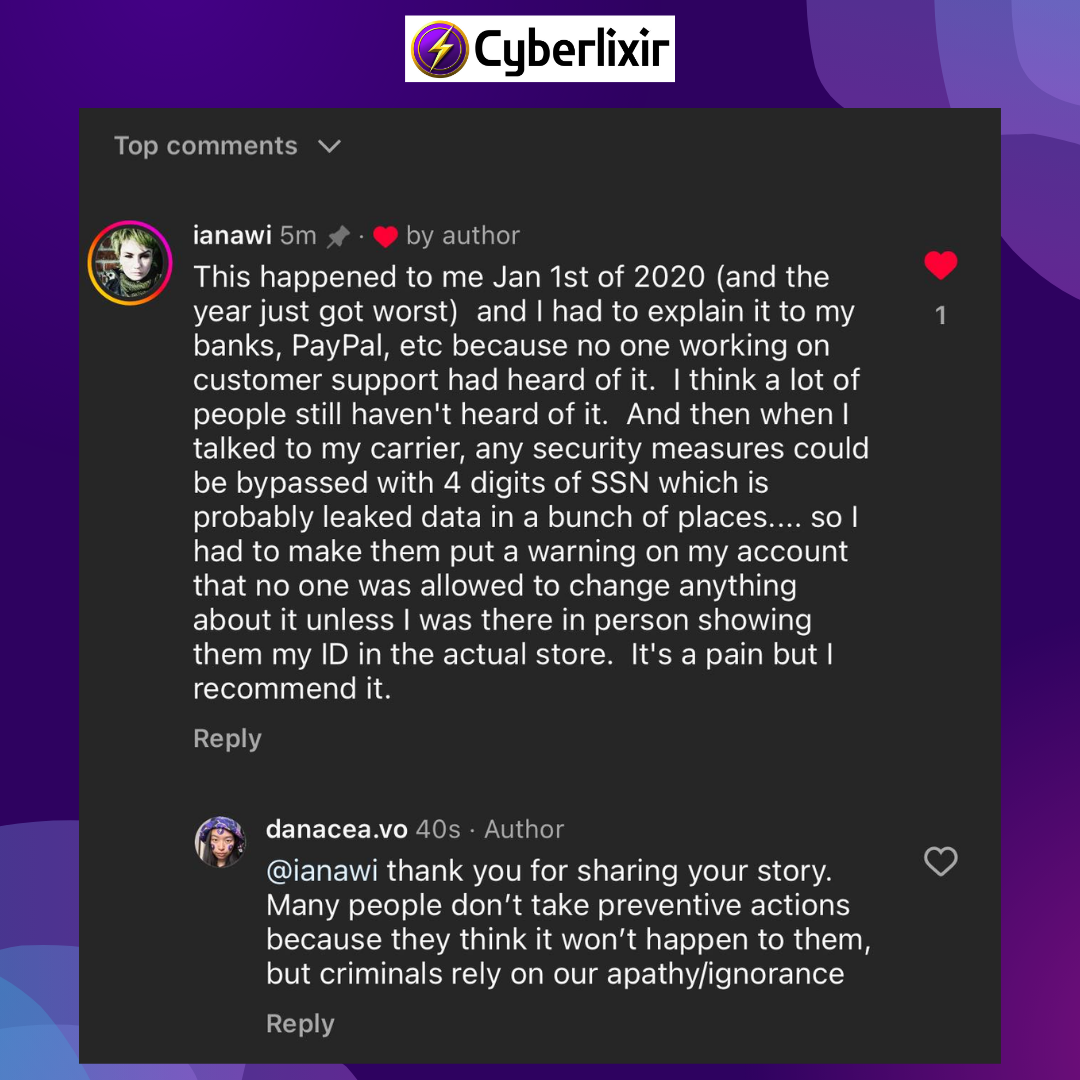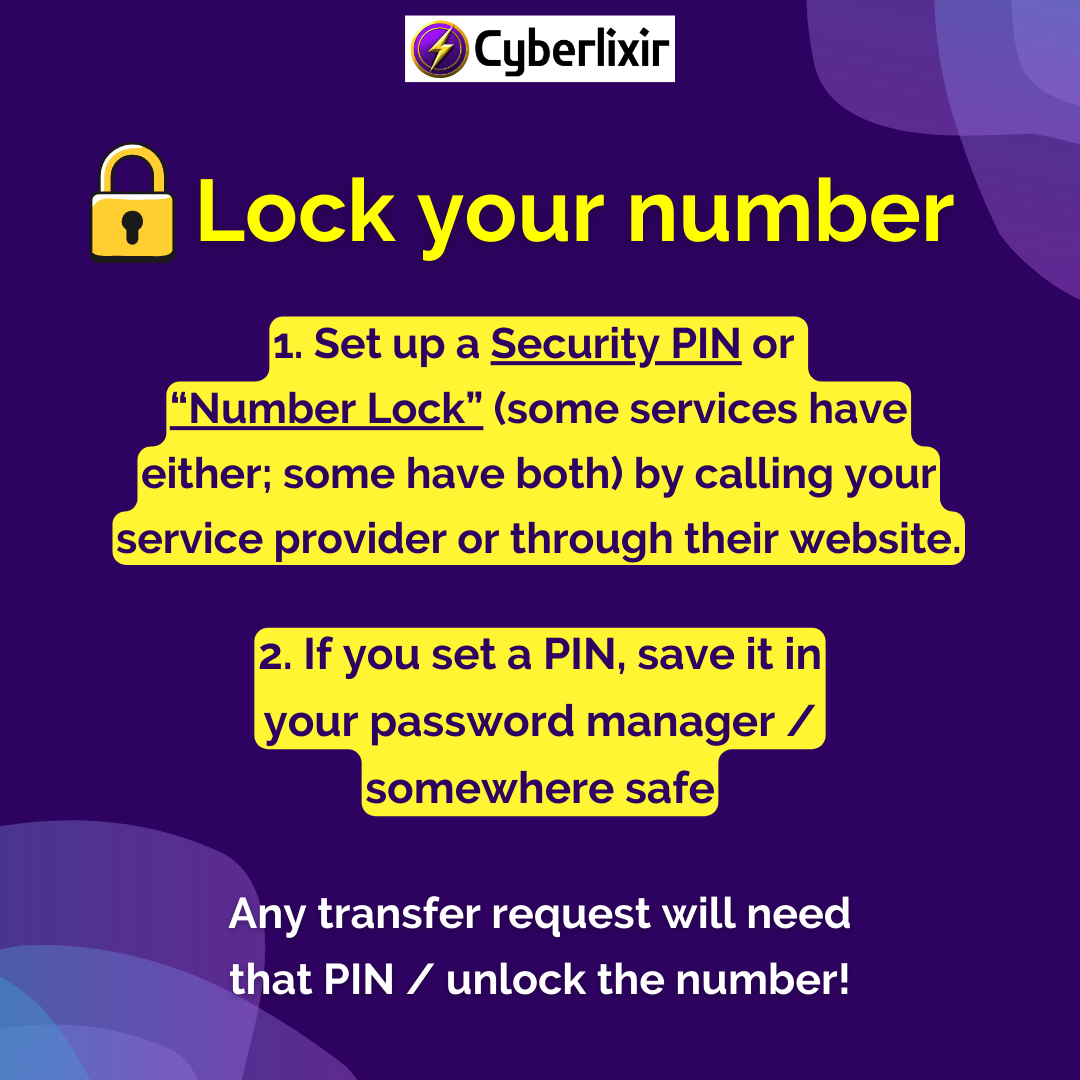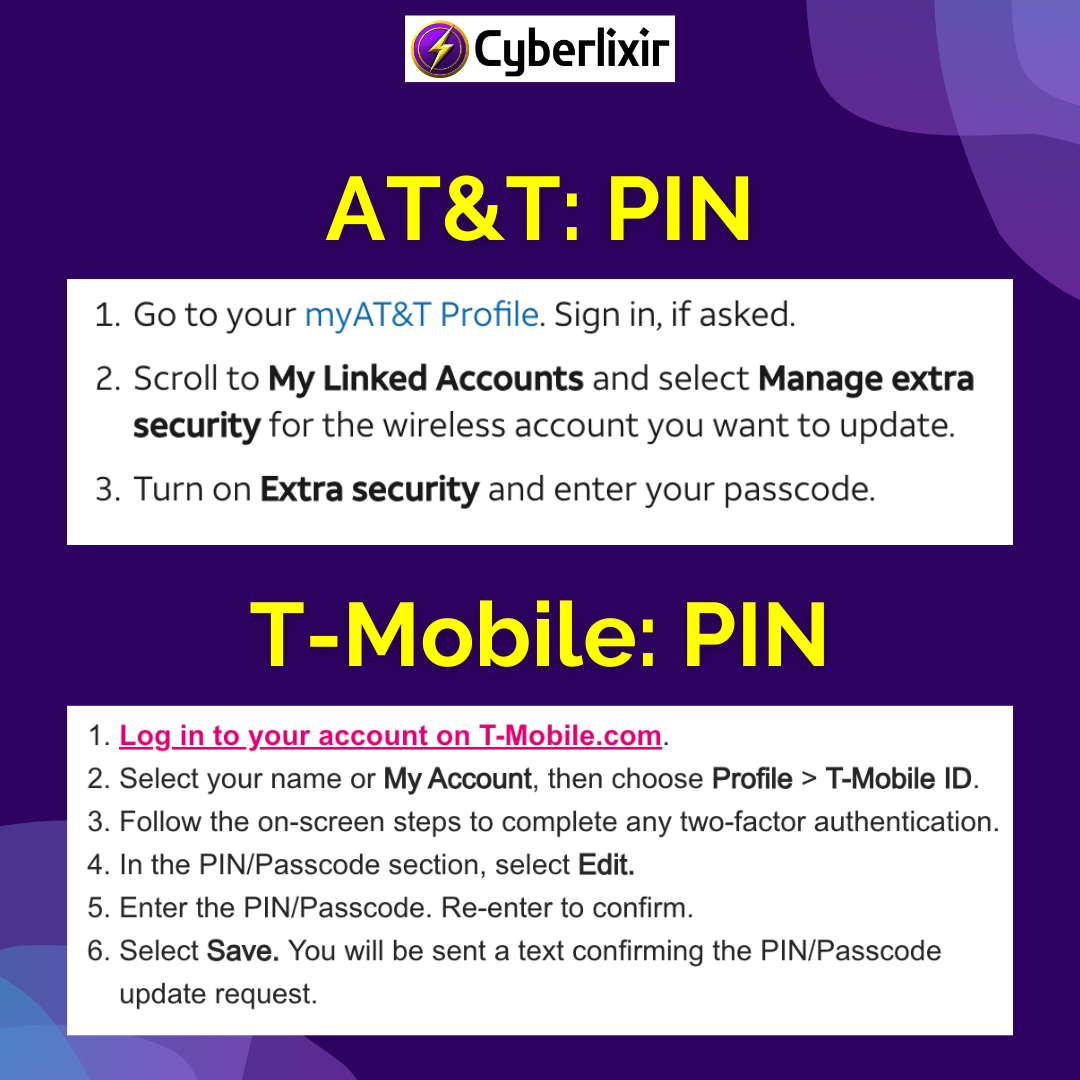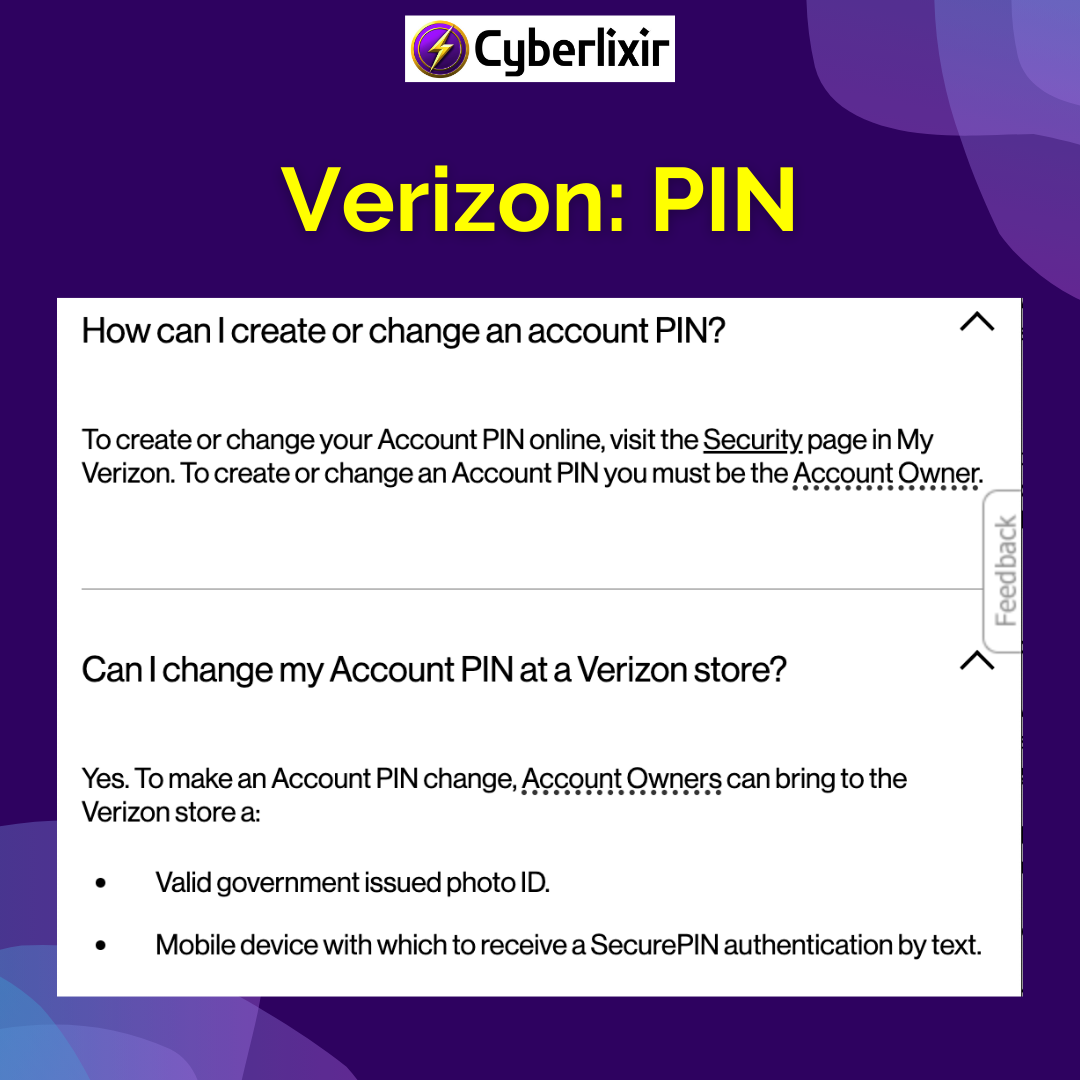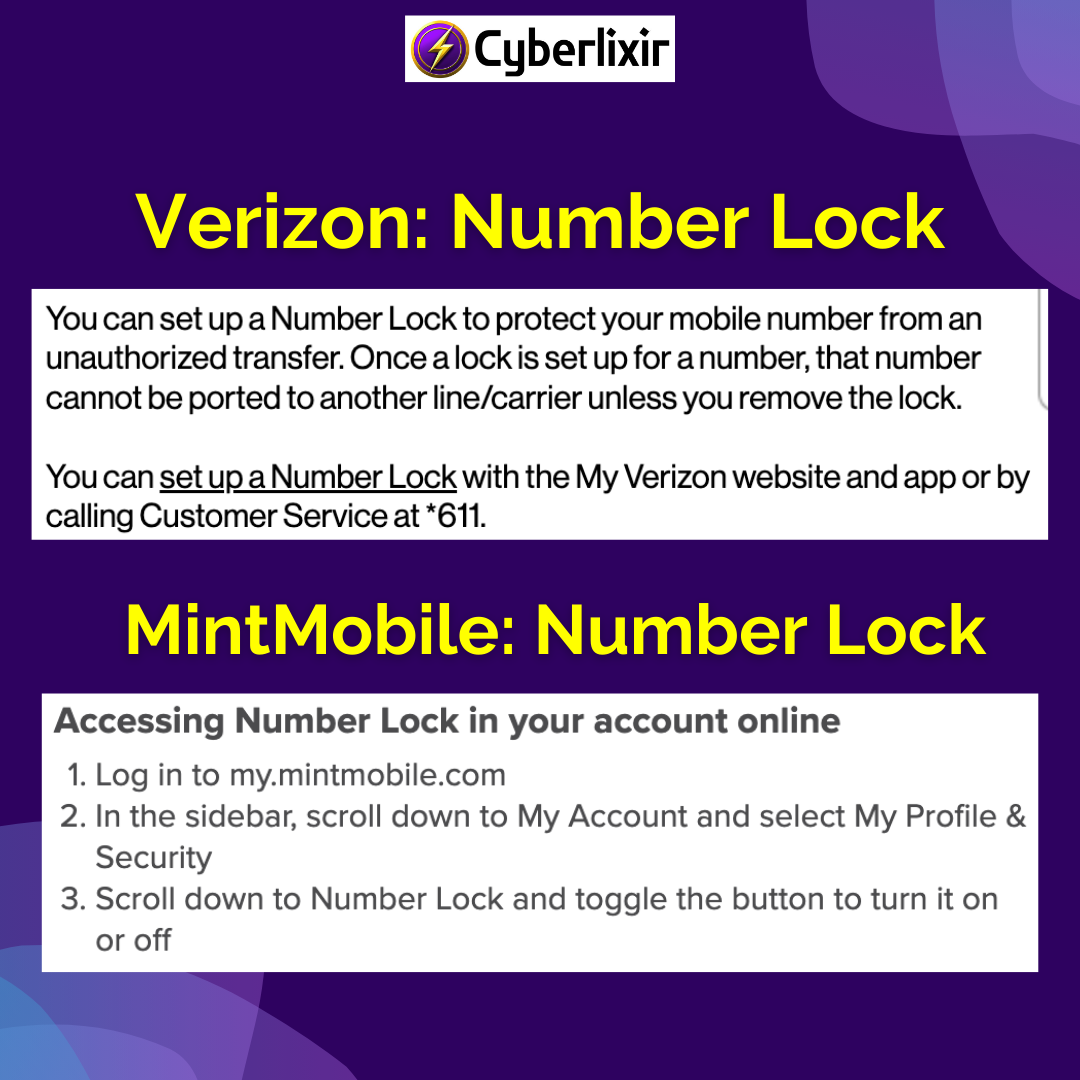
To protect your number, set up a security PIN or “Number Lock” by calling your carrier or enabling it on their website. If anyone makes a transfer request, they’ll be asked to provide that PIN.
- AT&T PIN: https://www.att.com/support/article/wireless/KM1051385/
- Verizon PIN: https://www.verizon.com/support/account-pin-faqs/
- T-Mobile PIN: https://www.t-mobile.com/support/plans-features/help-with-t-mobile-account-fraud
- Verizon Number Lock: https://www.verizon.com/support/port-out-faqs/
- MintMobile Number Lock: https://www.mintmobile.com/help/what-is-number-lock